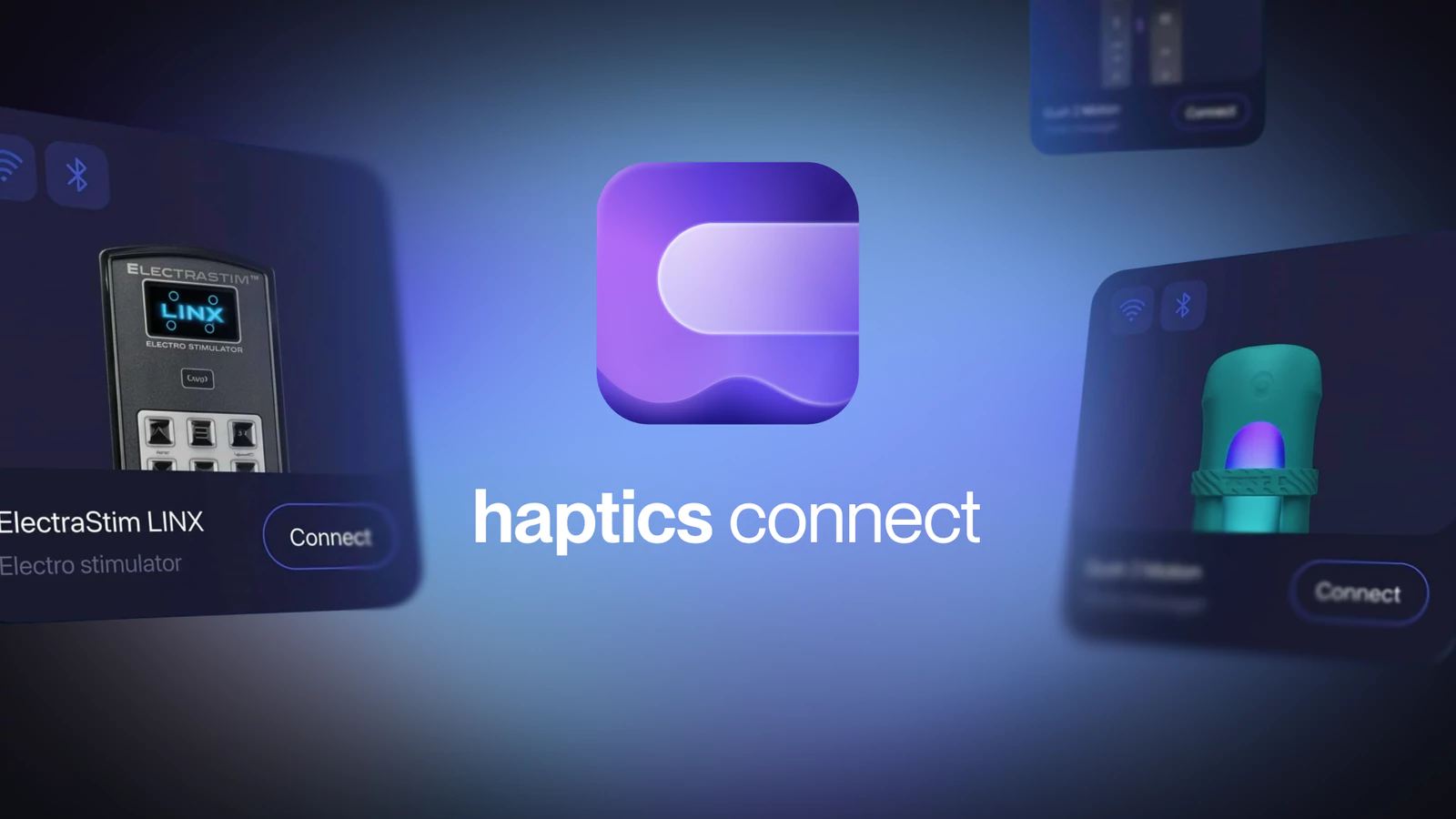
Haptics Connect 1.2.5 brings two new devices to your phone: the ElectraStim Linx e-stim device and the Lovense Gush 2. Both connect over Bluetooth, and SexLikeReal interactive scripts drive them.
👉For the full list of compatible sex toys and where each one works, see Interactive Toys at SexLikeReal
ElectraStim Linx
The ElectraStim Linx is a dual-channel electro stimulator that connects to your phone over Bluetooth. It offers 99 intensity levels per channel and up to 6 hours of play per charge.
The Linx works through Haptics Connect only. It doesn't connect in the VR porn app.
Safety first
E-stim sends electrical current through your body. Read ElectraStim's safety guidelines before your first session. They include:
- Apply stimulation only below the waist.
- Don't use e-stim if you are pregnant, have epilepsy, have any heart condition (including a pacemaker), or have a genital injury or disorder.
- Use only electrodes made for the purpose. Don't use probes for anal play unless they are labeled as suitable for it.
Start at a low intensity and increase it gradually.
How to connect
This guide applies to the ElectraStim Linx series, using the Linx EM220 as an example.
- Read the ElectraStim safety guidelines above.
- Connect the electrodes and turn on the Linx control unit.
- Open Haptics Connect and tap Connect a Device to start scanning.
- On the Linx, select option 3: Connect Smartphone.
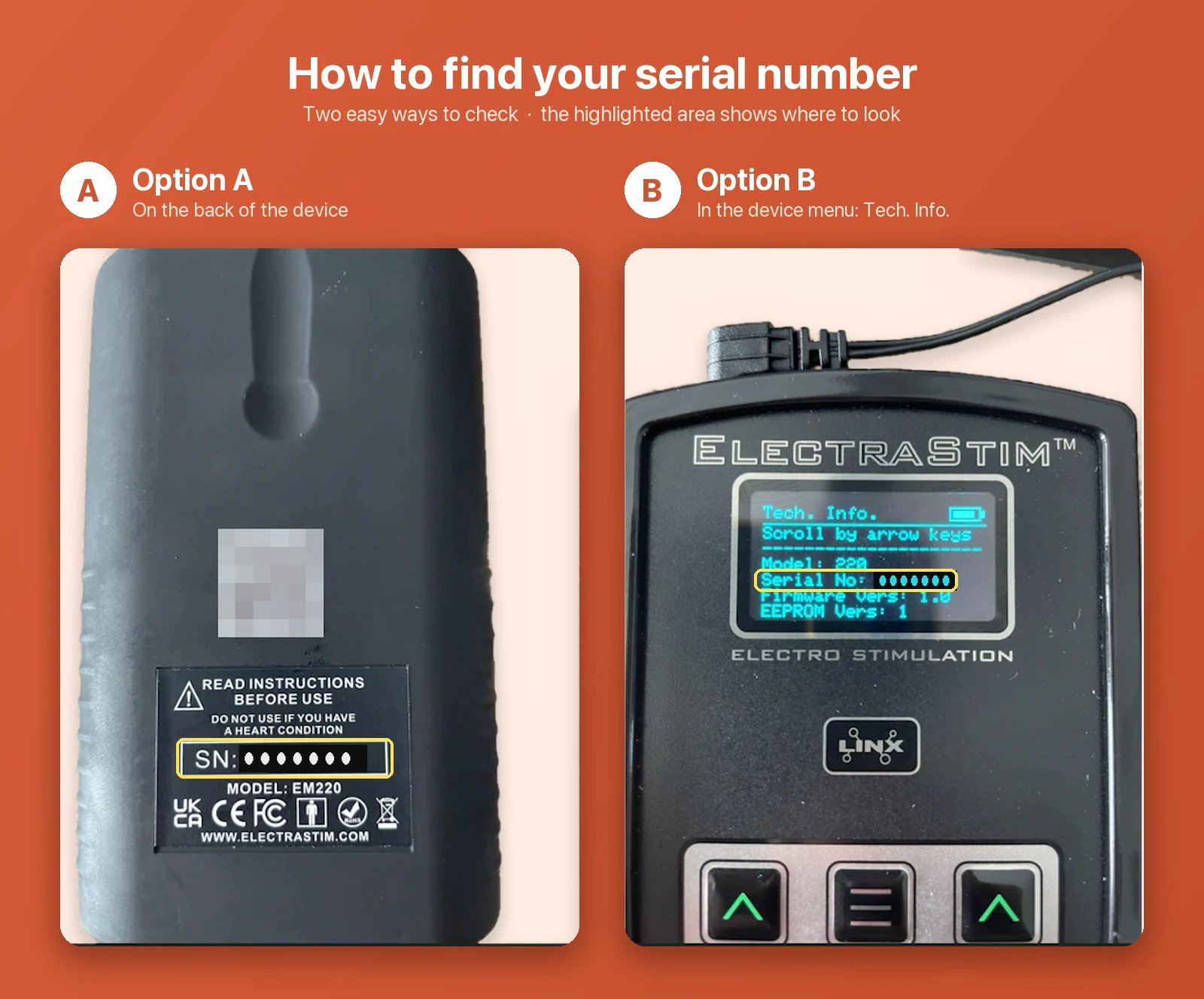
- When the Linx connects, Haptics Connect asks for the device's serial number. You'll find it on the back of the Linx, or on the device under Settings > Tech. Info. Enter it, and you're connected.
Control the intensity
In Haptics Connect, open Devices > Hub > Device Settings to raise or lower the current. These settings stay in sync with the buttons on your Linx.
Haptics Connect maps e-stim scripts to intensity the same way it does for vibration devices, which we found feels best. If it feels the other way around to you, turn on the invert option for both channels in the device settings (Haptics Connect 1.2.6 or later).
Lovense Gush 2
The Lovense Gush 2 is a wearable, hands-free penis massager that targets the glans and is controlled remotely through an app.
How to connect
- Power on your Gush 2.
- Open Haptics Connect.
- Tap Connect a Device to start scanning.
If it doesn't appear, make sure you're using the latest version of Haptics Connect. You can also connect the Gush 2 in the VR porn app, the same way as other Lovense toys.
Download Haptics Connect
This is a universal QR code for downloading the Haptics Connect app on both iOS and Android. Scan it with your phone's camera and you'll be taken to the right app store automatically.