
Updates:
- Apple Vision Pro supports WiFi and Bluetooth toys in the VR porn app. In the AVP Safari browser, only WiFi toys work [2026-10-14]
- Interactive toy support was updated: Bluetooth toys including Kiiroo, Lovense, DG-Lab Coyote 3.0, Vorze A10 Cyclone / PistonSA, and OSR / OSR2 TCode can now connect in the VR porn app, not only Classic VR porn app [2026-10-13]
___
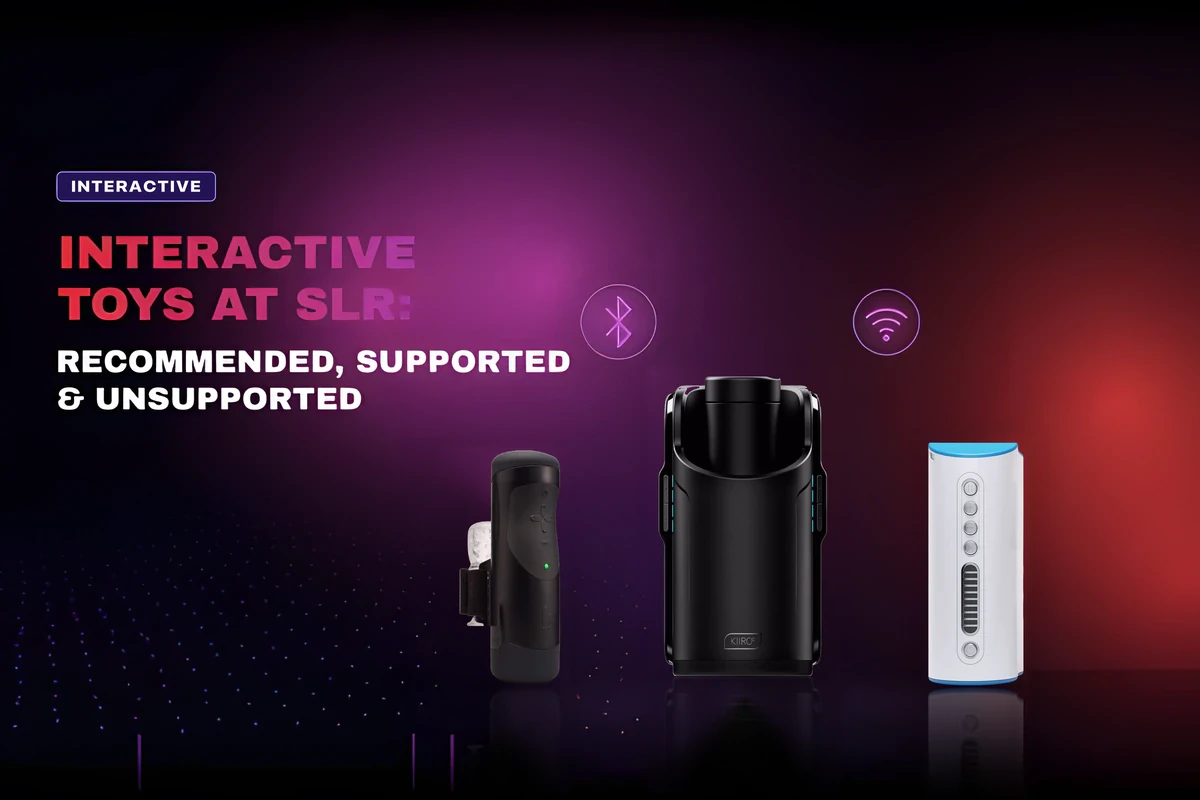
SexLikeReal supports a growing lineup of interactive sex toys — strokers, vibrators, and robotic devices — across multiple headsets, apps, and platforms. The toy closes the gap between screen and sensation. This guide covers every supported device, how it connects, and exactly where it works.
What You Need
Three things to get started:
1. A supported headset — Meta Quest 3S is the top pick; Quest 3 works just as well. See the full list of supported headsets at SexLikeReal Supported VR Headsets.
2. A supported interactive sex toy — if you’re buying a device for SLR, start with our recommended interactive sex toys, then check the compatibility table below.
3. An SLR Premium Scripts Bundle — unlocks toy connectivity and access to interactive scripts.
Not ready to buy yet? Try The Handy, Autoblow AI Ultra or Autoblow VacuGlide 2 for free first. Play free interactive videos with free AI scripts on our Try your sex toy for free page. No subscription needed.
Interactive scripts come in two types: human-crafted and AI-generated. When your toy is connected, the script is sent to it in real time so the device moves in sync with action in the video.
Supported Devices for Streaming
The table below focuses on streaming playback first: VR porn apps, headset browsers, desktop browsers, and mobile streaming options. WiFi toys offer the broadest platform support. Bluetooth toys work in the VR porn app and Haptics Connect, and some models also in desktop.
⭐ Recommended
Not sure what to buy? Start with our recommended sex toys for SLR. These devices offer the smoothest setup and broadest streaming support.
| Device | Connection | VR Porn App | Headset Browser |
Desktop Browser |
Mobile |
| The Handy | WiFi + Bluetooth | ✓ | ✓ | ✓ | Haptics Connect, Android / iOS* browser |
| The Handy 2 / Handy 2 Pro | WiFi + Bluetooth | ✓ | ✓ | ✓ | Haptics Connect, Android / iOS* browser |
| Autoblow AI Ultra / VacuGlide2 | WiFi | ✓ | ✓ | ✓ | Haptics Connect, iOS browser |
Also Supported
| Device | Connection | VR Porn App | Headset Browser | Desktop Browser | Mobile |
| The Oh! Vibrator ♀ | WiFi | ✓ | — | ✓ | Android browser |
| Kiiroo Keon | Bluetooth | ✓ | — | ✓ | Haptics Connect, Android browser |
| Kiiroo Keon 2 | WiFi | ✓ | — | — | Haptics Connect** |
| Kiiroo Onyx+ / Realm | Bluetooth | ✓ | — | — | Haptics Connect |
| Kiiroo PowerBlow | Bluetooth | ✓ | — | — | Haptics Connect |
| Kiiroo PowerShot | Bluetooth | — | — | ✓ | — |
| Kiiroo Pulse Solo Interactive | Bluetooth | ✓ | — | — | Haptics Connect |
| Lovense Max 1, 2 | Bluetooth | ✓ | — | — | Haptics Connect |
| Lovense Edge 2 | Bluetooth | ✓ | — | ✓ | Haptics Connect |
| Lovense Hush 1, 2 | Bluetooth | ✓ | — | ✓ | Haptics Connect |
| Lovense Calor | Bluetooth | ✓ | — | ✓ | Haptics Connect |
| Lovense Nora ♀ | Bluetooth | ✓ | — | — | Haptics Connect |
| Lovense Gush 1, 2 | Bluetooth | ✓ | — | — | Haptics Connect |
| Lovense Solace Pro | Lovense Remote | ✓ (via Lovense Remote) | — | — | Haptics Connect |
| Lovense Mission 2 | Lovense Remote | ✓ (via Lovense Remote) | — | — | Haptics Connect |
| Tempest OSR / OSR2 | Open Source | Bluetooth + USB (TCode) | ✓ | — | ✓ | Haptics Connect** |
| Tempest SR6 | Bluetooth + USB (TCode, 3-axis support via USB) | ✓ (1 axis) | — | ✓ | Haptics Connect** (1 axis) |
| Vorze A10 Cyclone SA | Bluetooth | ✓ | — | ✓ | Haptics Connect |
| Vorze PistonSA | Bluetooth | ✓ | — | — | Haptics Connect** |
| ElectraStim Linx | Bluetooth | — | — | — | Haptics Connect** |
| DG-Lab Coyote 3.0 | Bluetooth | ✓ | — | — | Haptics Connect** |
Notes
- Apple Vision Pro supports WiFi and Bluetooth toys in the VR porn app. In the AVP Safari browser, only WiFi toys work.
- Solace Pro connects via the Lovense Remote app. Any Lovense toy that supports Lovense Remote can connect to the VR porn app on supported headsets the same way.
- OSR2, connected via USB, supports Multiaxis scripts. Make sure the SLR TCode firmware is installed and up to date before connecting the device.
- *WiFi connection only.
- **Bluetooth connection only.
- ♀ = female device.
If you already own a supported toy, grab the SLR Premium Scripts Bundle and connect it through your preferred streaming setup. If you’re still choosing a device, check our recommended sex toys for SLR first.
Own The Handy, Autoblow AI Ultra or Autoblow VacuGlide 2 and want to see it in action first? Try it for free.
Not Supported
Older or discontinued models are no longer compatible with SLR’s latest integration system.
- Fleshlight Launch
Explore More
- Scenes for Interactive Toys on SLR
- Complete Guide to Interactive Toys & Scripts
- Top Interactive Toys For SLR
Next: Stay tuned for updates on the SLR Melody launch and future supported devices.