
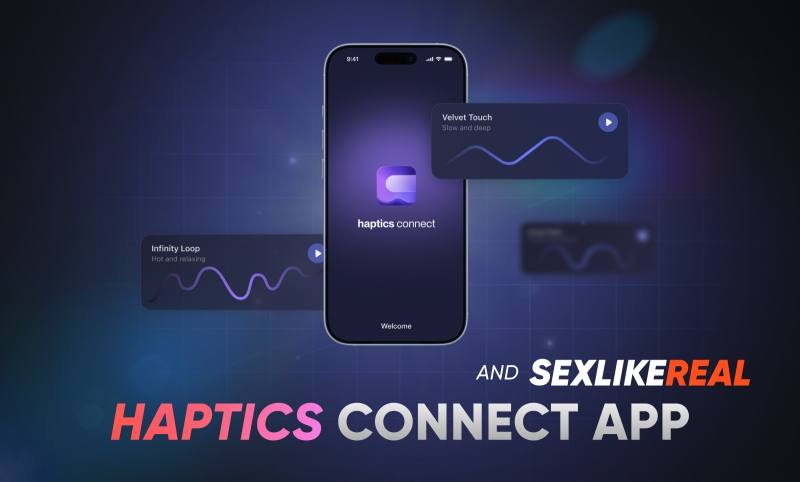
Connect your interactive toy, watch SexLikeReal videos with haptic scripts, and control your device directly in Haptics Connect.
The app includes sample scripts to try right away. You can also import scripts stored on your device for more control over your experience.

Connect Your Interactive Toy
Haptics Connect supports compatible toys that connect via Bluetooth, Wi-Fi, or both. To check whether your device is supported and learn how to connect it, see our Interactive Toys guide.
Customize Device Controls
Adjust how your toy responds to scripts using the Controls tab.
- Stroke Range: Set the movement range used during playback.
- Stroke Speed: Adjust playback speed.
- Edging Mode: Reduce stroke intensity during playback to help delay climax and extend your session.
Remote Play
Remote Play lets you control your partner’s compatible Bluetooth toy in real time from anywhere. The Host creates a private room without connecting a device, while the partner connects their toy. Wi-Fi devices aren’t supported in Remote Play yet.
Choose from three control modes:
- Touch: Control the toy manually on your phone.
- Motion: Control the toy through your phone’s movement.
- Gesture: Create repeating patterns with adjustable speed, range, and intensity.
Each mode offers a different way to shape the experience, from direct manual control to motion-based interaction and customizable repeating patterns.
Watch SexLikeReal in Haptics Connect
Watch SexLikeReal videos with interactive scripts without leaving the Haptics Connect app.
Open the built-in browser, sign in to your SexLikeReal account, and use an active Bundle or Script subscription to access compatible videos.
Haptics Connect also supports My DriveAI and FapTap.
Sign in with SLR
Sign in to Haptics Connect with your SexLikeReal account. Once your accounts are linked, your devices stay in sync between SexLikeReal and the app. Read more in the Haptics Connect 1.2.5 update.
AI Assistant
Control your interactive toy by chatting with it. Send a text or voice message, and the AI Assistant changes the speed and the way your device moves. Choose one of four assistants, each with its own personality and style. Follow our step-by-step guide to set it up.
Download Haptics Connect