
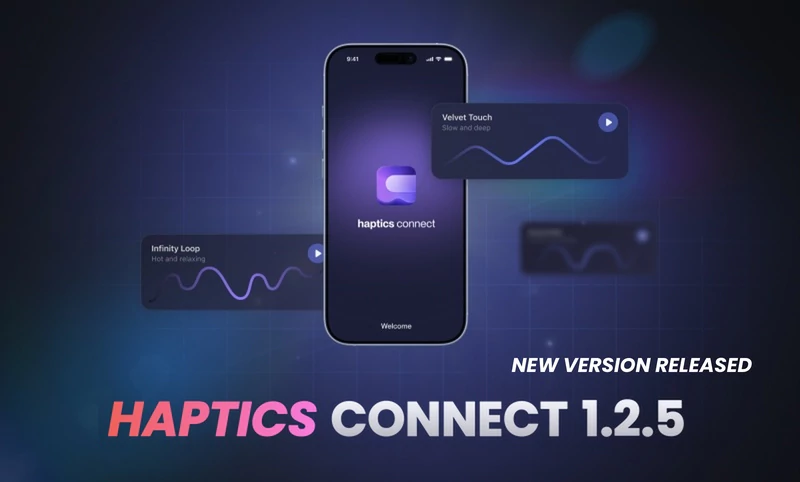
We have just released version 1.2.5 of the Haptics Connect app. This app connects your smartphone with interactive sex toys so you can watch videos and control your interactive toys. It is available on the Google Play store and the Apple App store.
Sign in with SLR
You can now sign in to Haptics Connect with your SLR account. Once your accounts are linked, your web devices stay in sync between SexLikeReal and the app, and a linked account icon shows the connection in your profile.
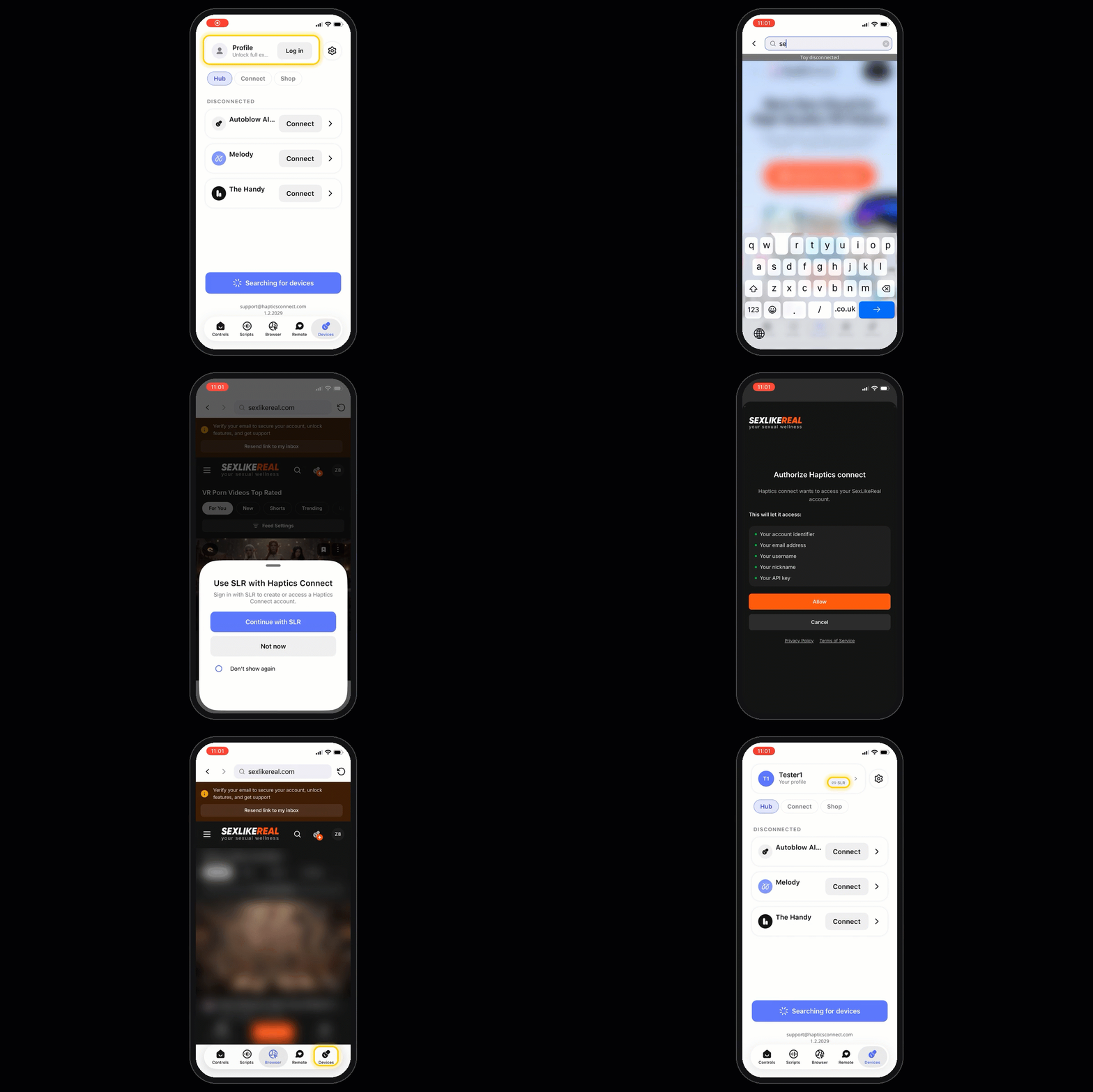
How to link your accounts:
- Open the in-app Browser and go to sexlikereal.com.
- Log in to your SLR account. In the bottom sheet, tap Continue with SLR.
- If your account is already linked, you're signed in to Haptics Connect right away. You can check this on the Devices > Hub tab.
- If it isn't linked yet, an authorization request will appear. Approve it to connect your accounts.
Devices
- Added support for Lovense Gush 2.
- Added support for ElectraStim e-stim devices.
- Redesigned pattern visualization for a clearer view of your scripts.
Fixes & Improvements
- Fixed an issue where vibration and e-stim devices kept running during empty parts of a script.
- Fixed an iOS crash that could happen after a page failed to load in the in-app browser.
To find out more about interactive toys and how they work with the Haptics Connect app, check out our blog post here.