

Take your favorite SLR videos anywhere. Save them straight to your headset from the SLR grid in the VR porn app – perfect for travel, unreliable Wi-Fi, or uninterrupted offline viewing.
How to Download a Video in the VR Porn App
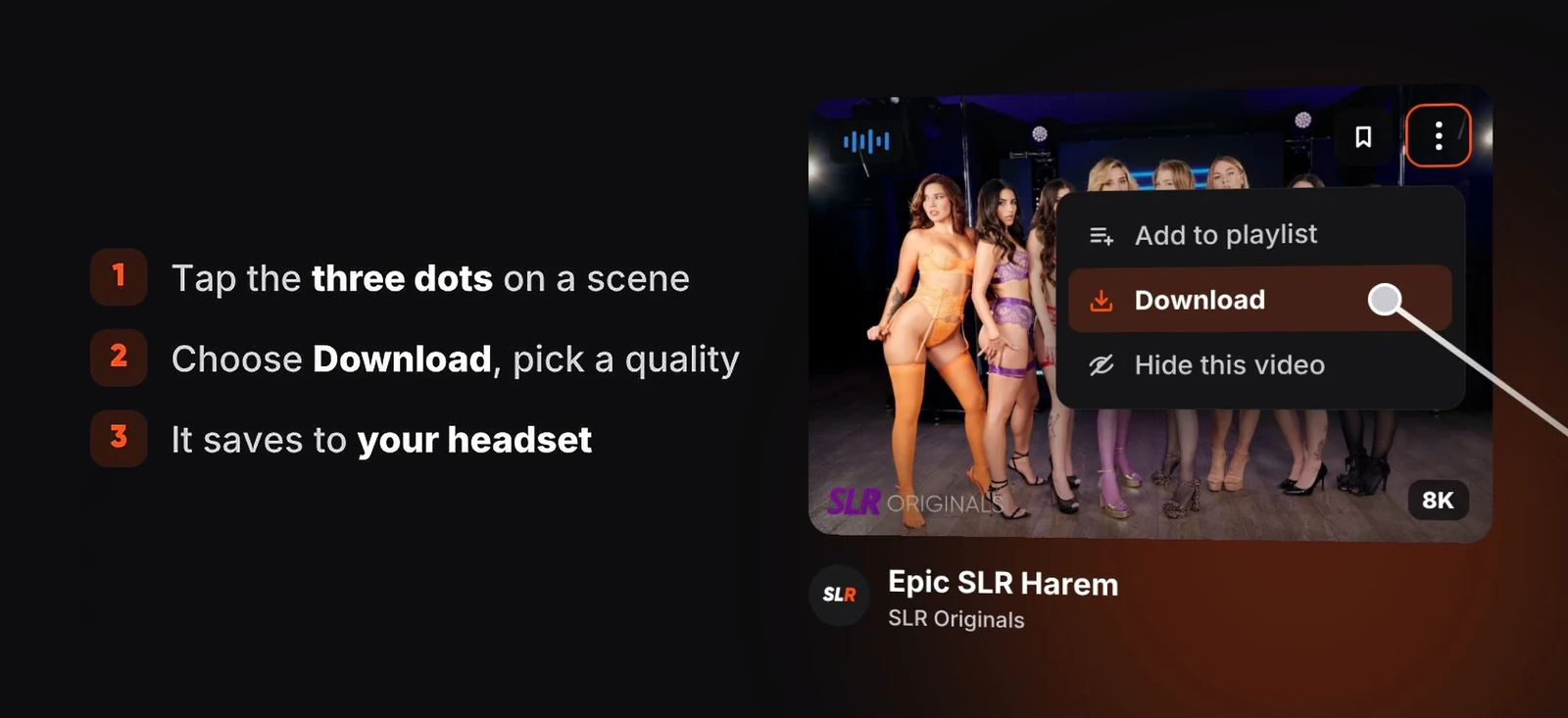
Keep Your Download Running Smoothly
You’ll receive notifications when the download begins and when the video is ready to watch.
Large files may take some time to complete. Leave the app open and keep the headset awake until you’re notified that the download is complete. For the best experience, use a stable Wi-Fi connection and keep your headset connected to a power source when possible.
How to Download a Video on Desktop
When using sexlikereal.com on a desktop, open the video you want to save, select the three-dot menu, and choose Download.
For the latest information about availability, formats, and current limits, visit our Video Downloads help page.