
SLR Logo
Join Now

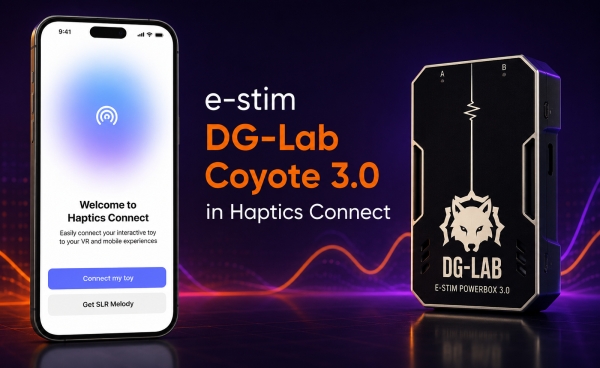
Haptics Connect Now Supports e-stim DG-Lab Coyote 3.0

Alex Novak
Alex Novak
1 week ago
Haptics Connect Now Supports e-stim DG-Lab Coyote 3.0

If you own a DG-Lab Coyote 3.0, you can now connect it directly to the Haptics Connect app over Bluetooth. No adapters, bridges, or third-party software are required.

Once connected, Haptics Connect gives you full control over your Coyote 3.0, including intensity and stimulation patterns. The device also works with the SexLikeReal interactive scripts.

How to Connect

  1. Put your Coyote 3.0 into Bluetooth pairing mode.
  2. Open the Haptics Connect app.
  3. Tap Connect a Device to start scanning.
  4. Select your Coyote 3.0 from the list.

If the device doesn't appear, make sure you're using the latest firmware on the Coyote 3.0 and the latest version of Haptics Connect.

Download Haptics Connect


If you run into any pairing issues or have feedback, let us know on the forum.

Alex Novak

Alex Novak

Alex Novak has always had a passion for technology. Always interested in exploring new frontiers, the avid gamer and sci-fi reader found himself drawn to VR and its endless possibilities. Alex is excited to see what the future of VR brings and how he can help shape it.

SLR Logo

SexLikeReal is for adults only

Are you over 18?

Exit
SexLikeReal contains sexually explicit materials and other adult content. By clicking “I am over 18” you are affirming that you are at least 18 years old, or the of majority in your jurisdiction if this is higher. You are also affirming that accessing sexually explicit materials does not violate any local standards, laws, or regulations of the jurisdiction from which you are accessing the service. You are also affirming that you have read and accept our and .
If you cannot agree to any of the preceding statements you must exit the site immediately.